Profile
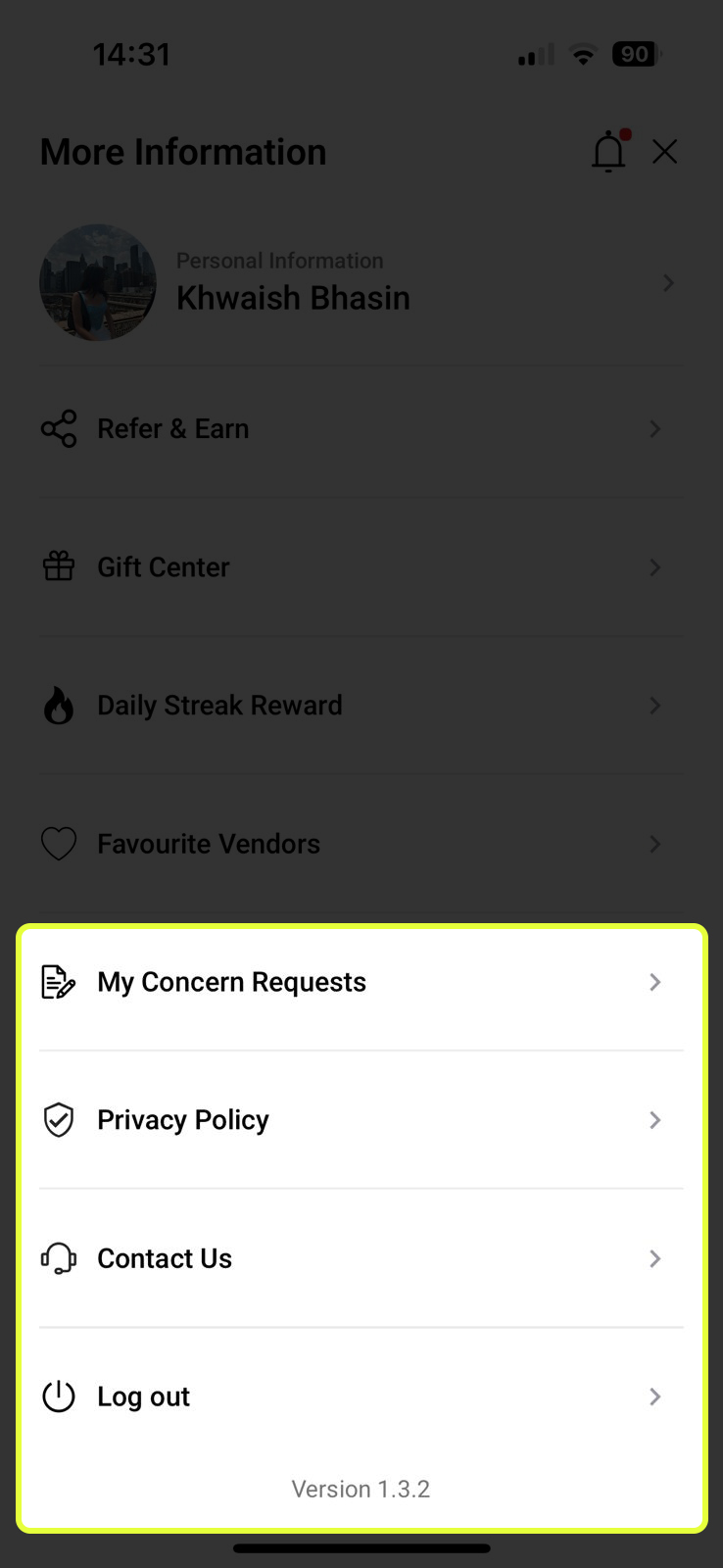
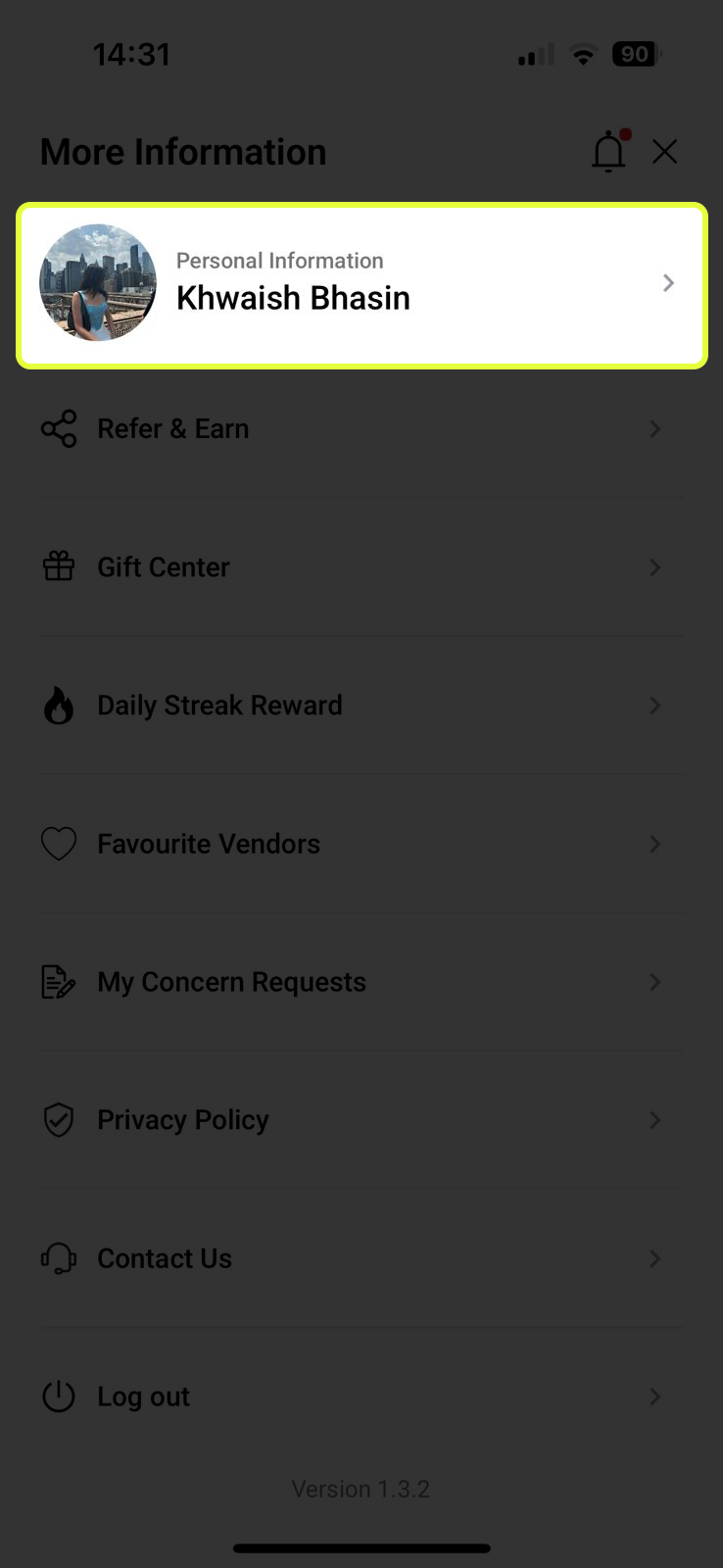
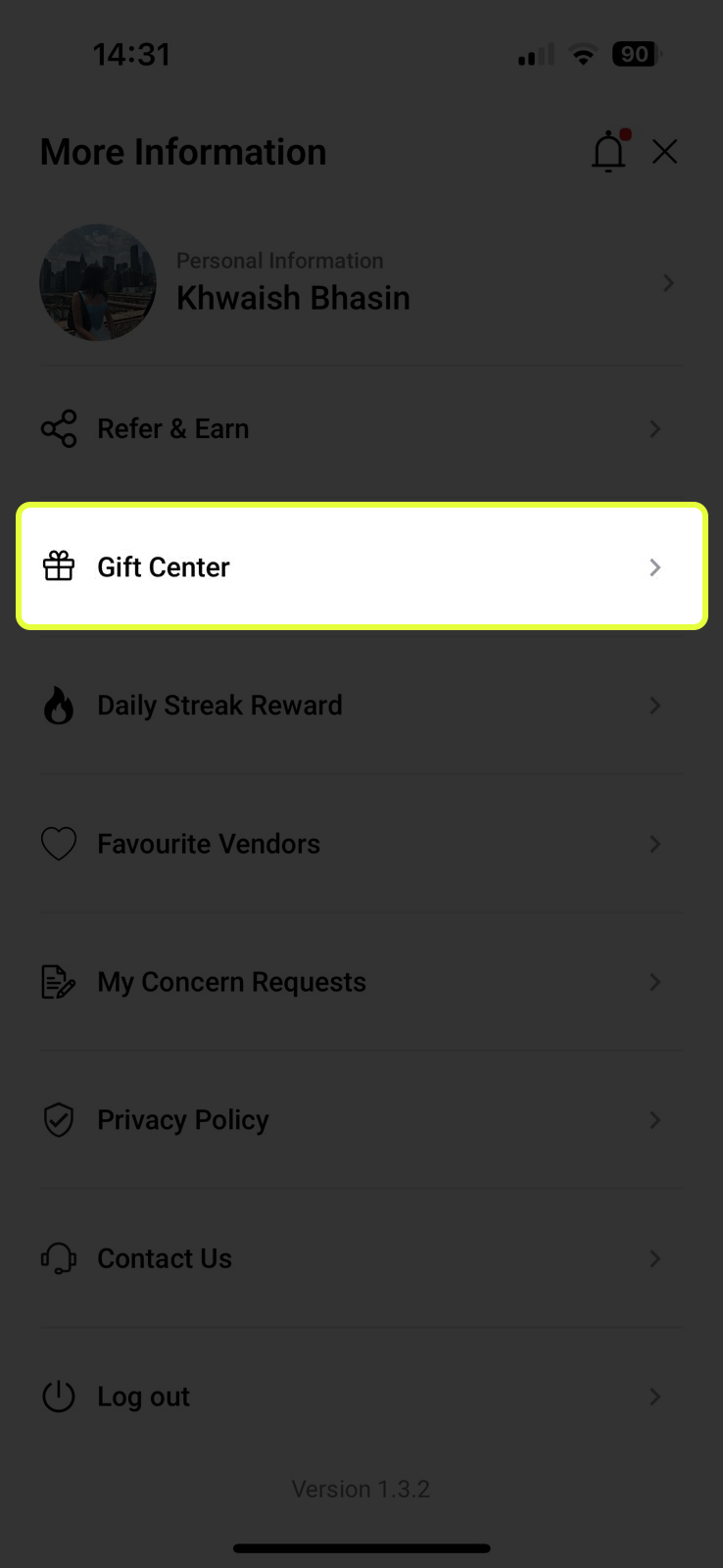
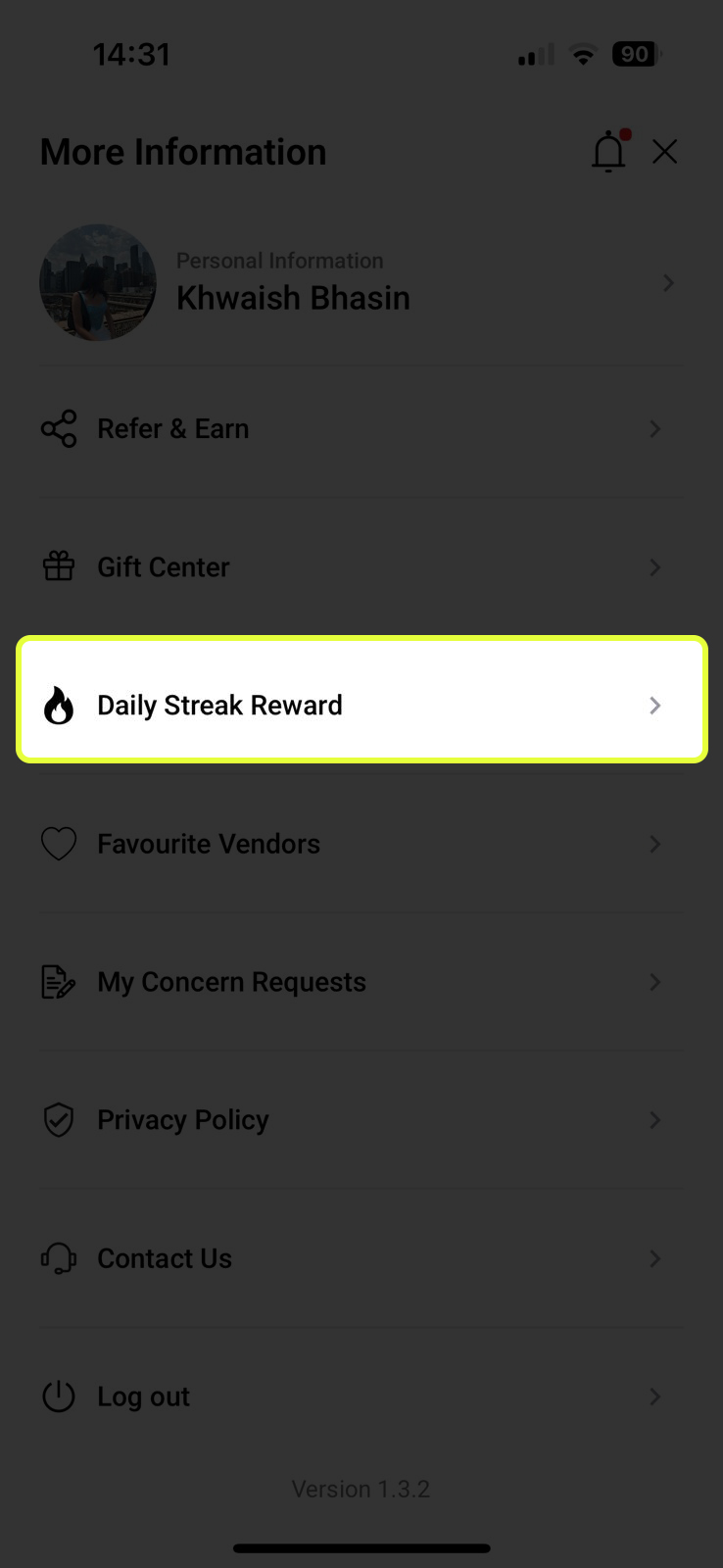
Tap your profile photo on the Home Screen to open the More Information menu — your personal hub for account settings, gamification, gifting, and support.
Your Profile & More Features
Tap your profile photo on the Home Screen to open the More Information menu — your personal hub for account settings, gamification, gifting, and support.
.jpeg)
Your Profile Details
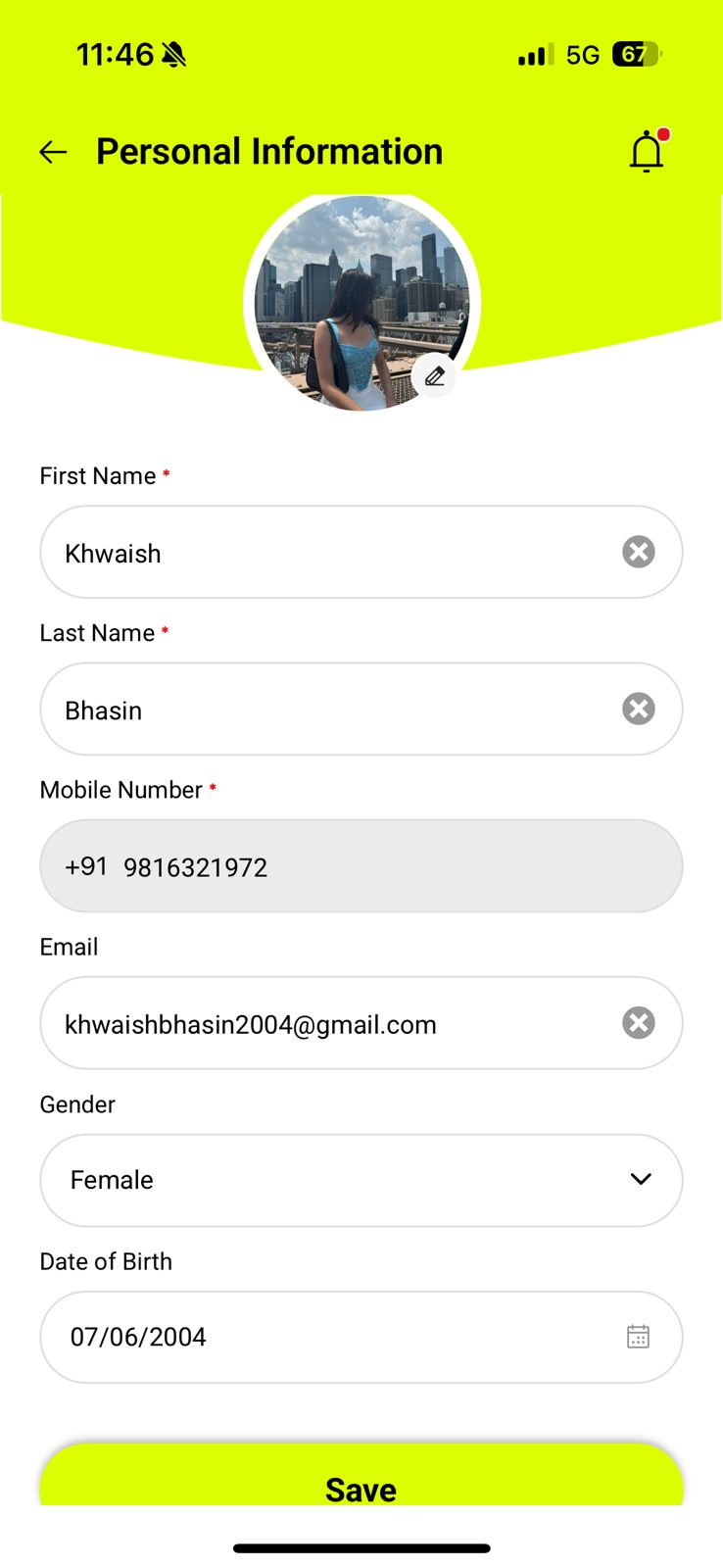
Tap your photo and name at the top of the menu to open your Personal Information page. Here you can view and update your profile at any time.
- ✏️ Update your name, email, gender, and date of birth
- 📸 Change your profile photo
- 🪙 Completing your profile earns you bonus Mints — so fill in every field!
Share Your Code, Grow Your Mints
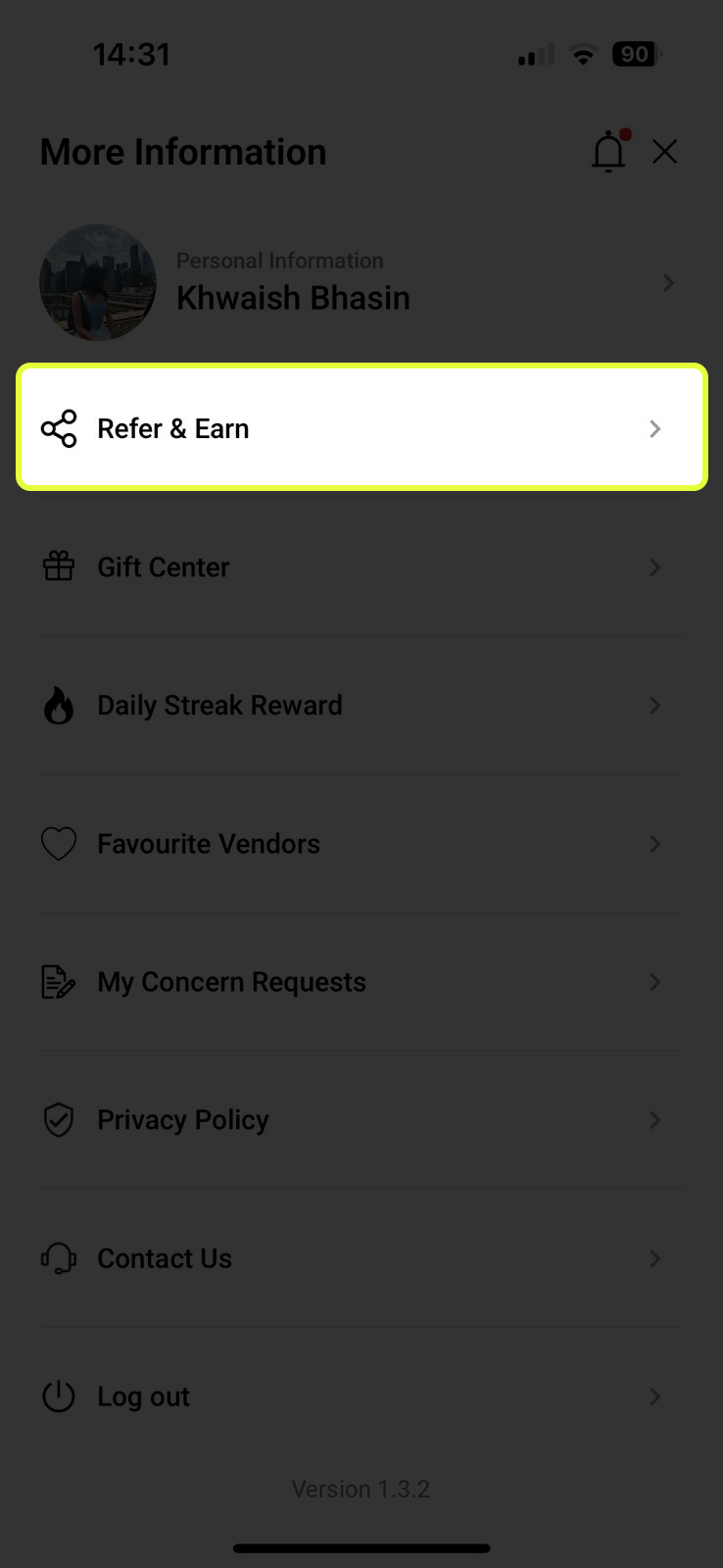
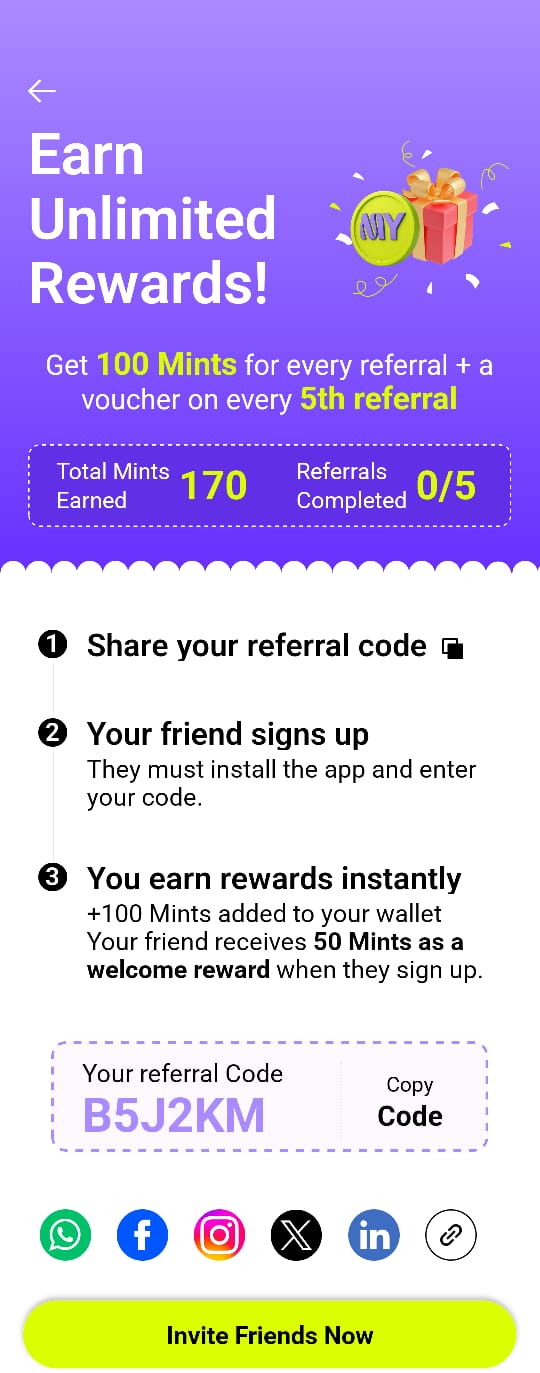
Tap Refer & Earn to access your personal referral code and invite tools. Every friend who signs up using your code earns you bonus Mints — with no cap.
- 📋 Copy your referral code with one tap and share it anywhere
- 📲 Tap Invite Friends Now to share directly via WhatsApp, SMS, or social media
- 📊 Track your total Mints earned from referrals and how many referrals you’ve completed
- 🎟️ Every 5th referral earns you a bonus voucher on top of your Mints
Send Gifts to Friends
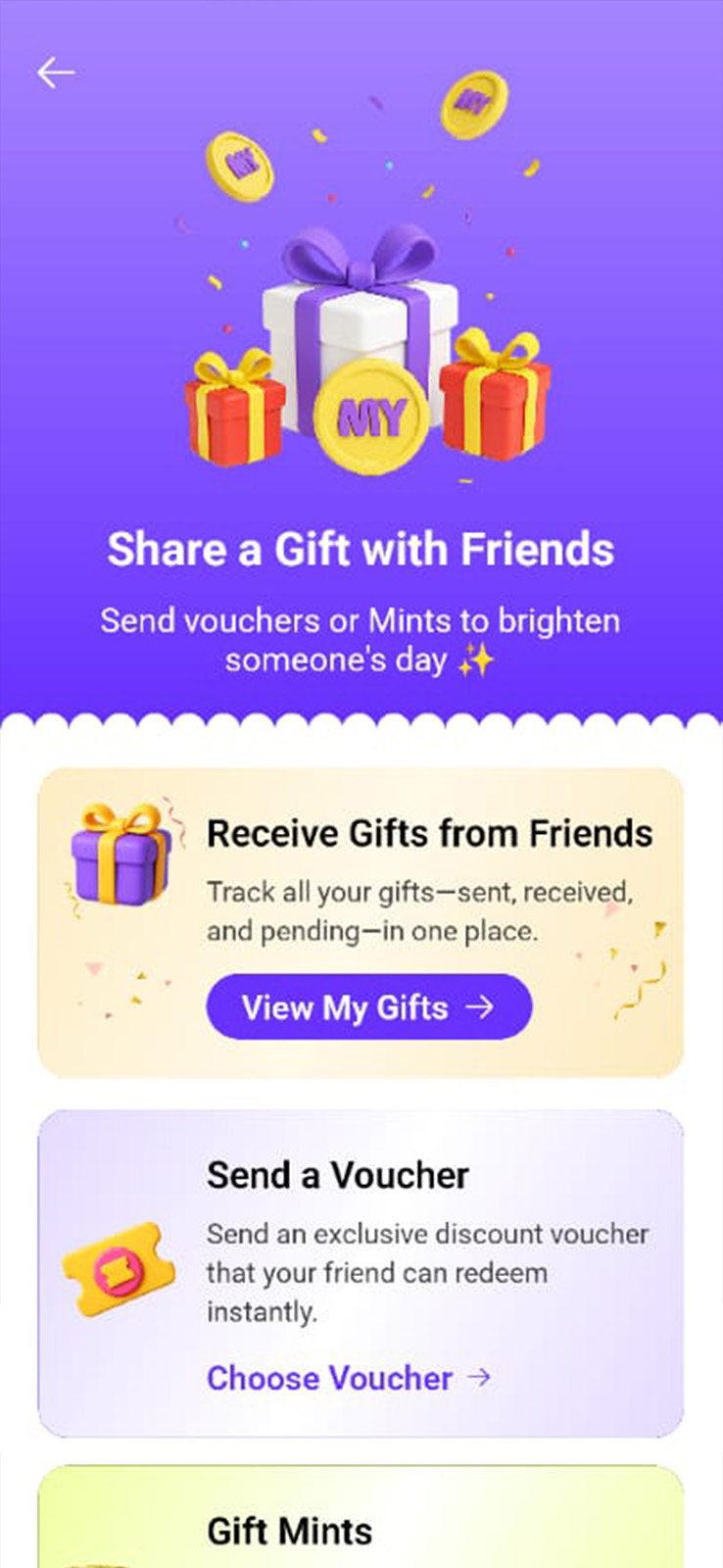
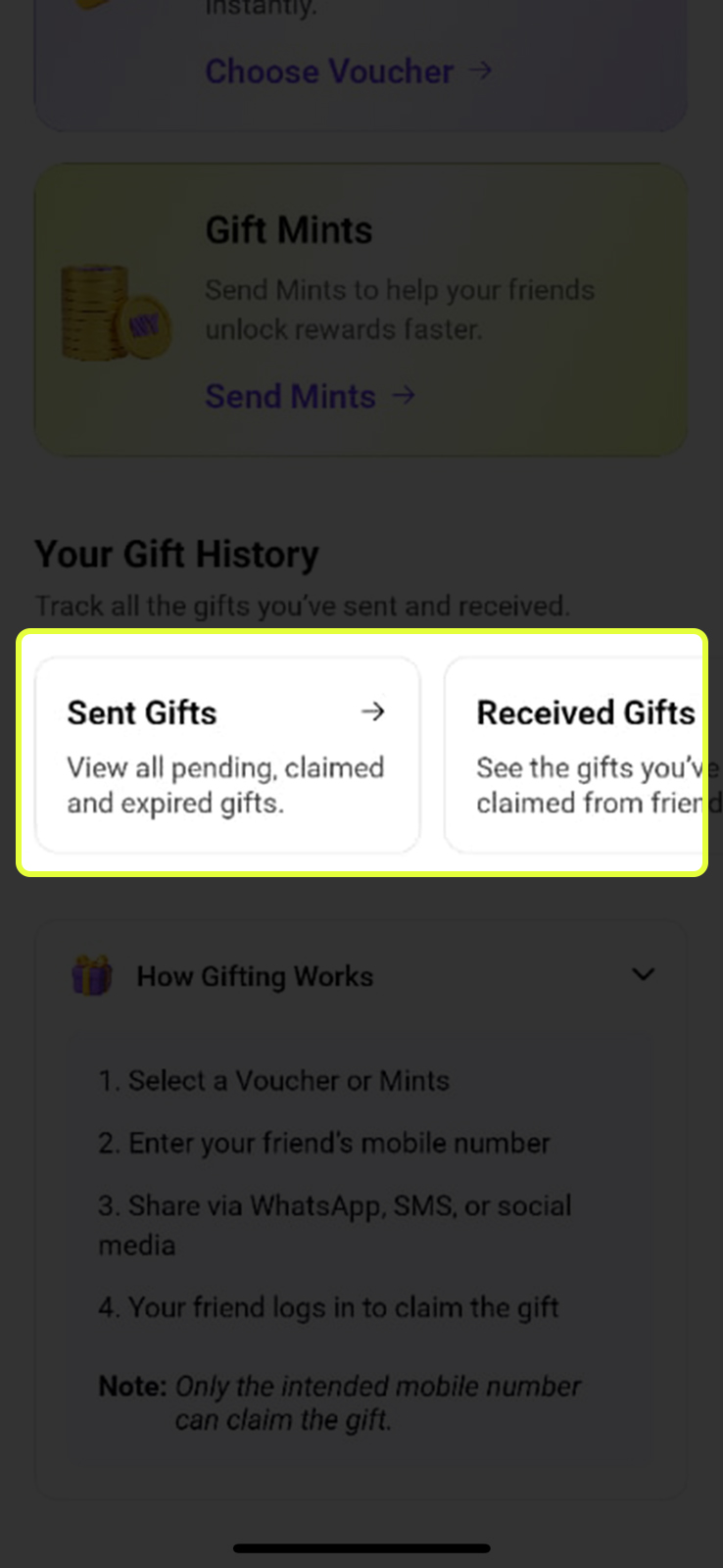
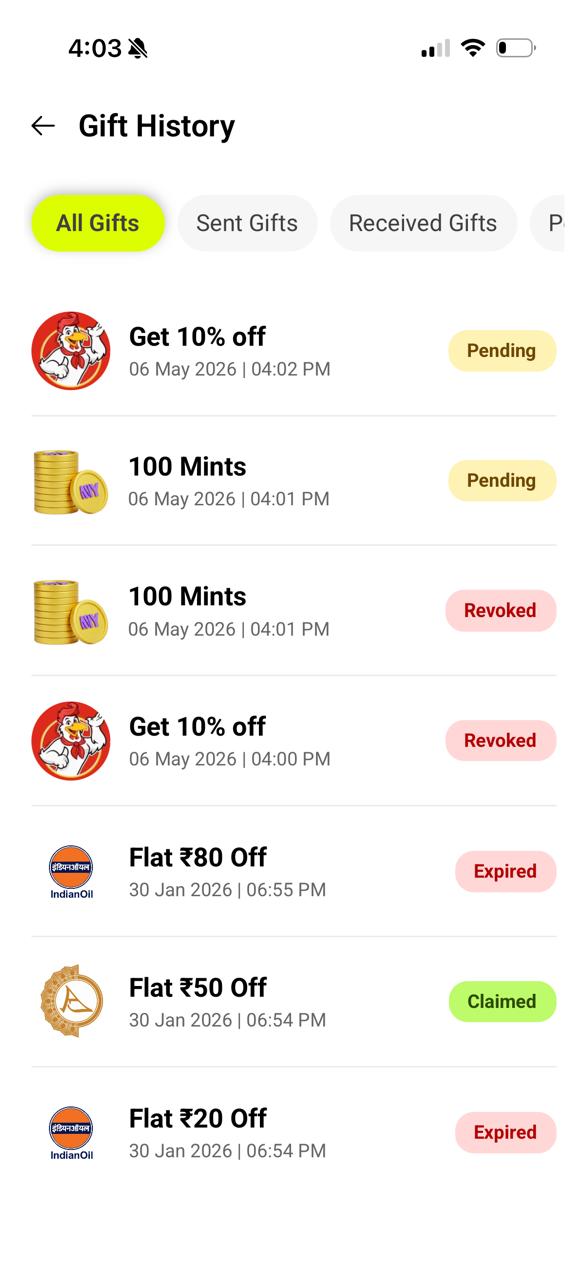
The Gift Center lets you share your rewards with the people you care about. You can gift a discount voucher or send Mints directly to a friend’s account.
- 🎟️ Send a Voucher — Choose any discount voucher from your Rewards and send it directly to a friend. Tap ‘Choose Voucher →’
- 🪙 Gift Mints — Send Mints from your balance to help a friend unlock rewards faster. Tap ‘Send Mints →’
Come Back Every Day, Earn Every Day
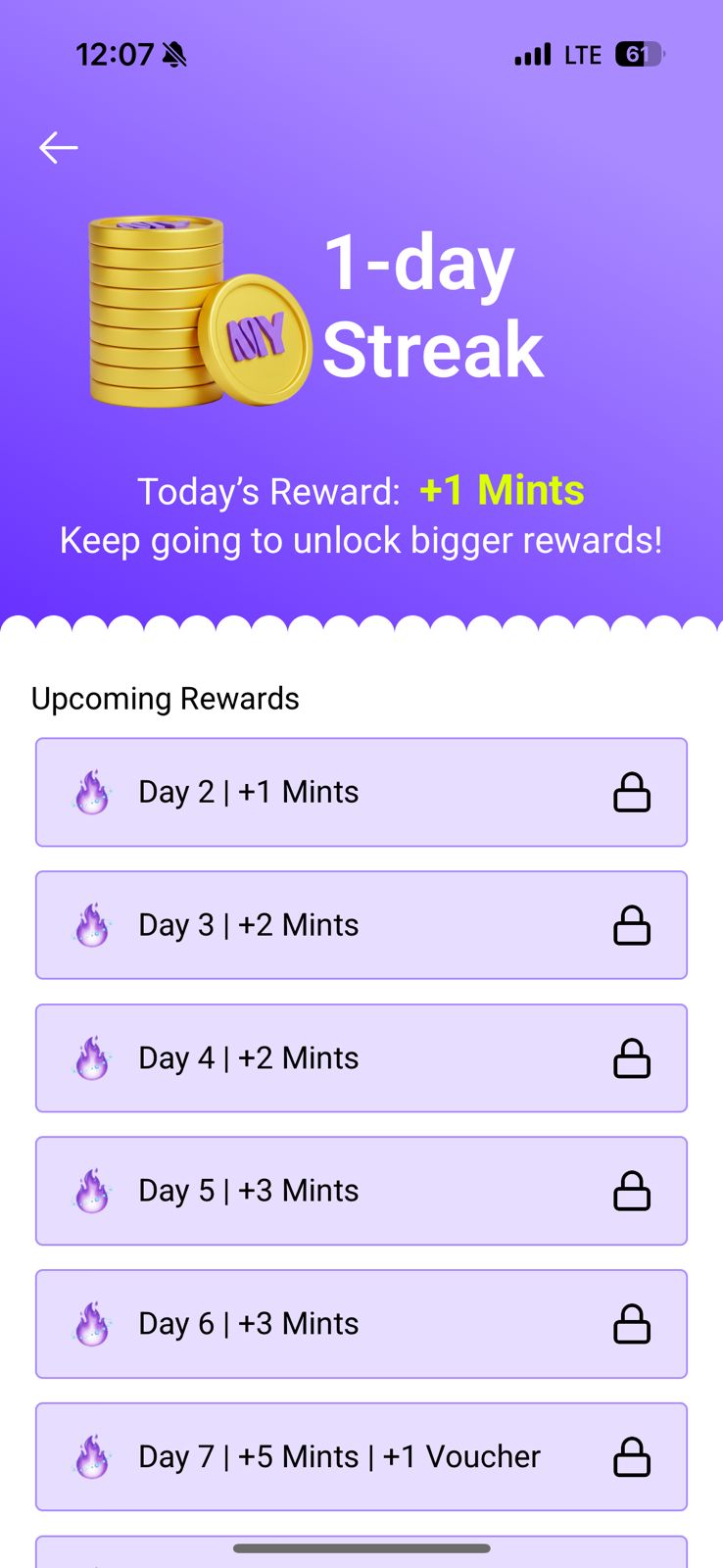
The Daily Streak Reward is MyMints’ way of rewarding consistency. Open the app every day to claim your daily Mints — and the longer your streak, the bigger the rewards get.
- ✅ Claimed days show in bright yellow-green with a checkmark — these are days you’ve already earned
- 🔒 Locked days are upcoming — they unlock as you keep your streak going
- 🎟️ Milestone days (Day 7, Day 15) reward you with Mints + a bonus voucher
- ⚠️ Miss a day and your streak resets to Day 1 — so open the app daily to keep it alive!
.jpeg)
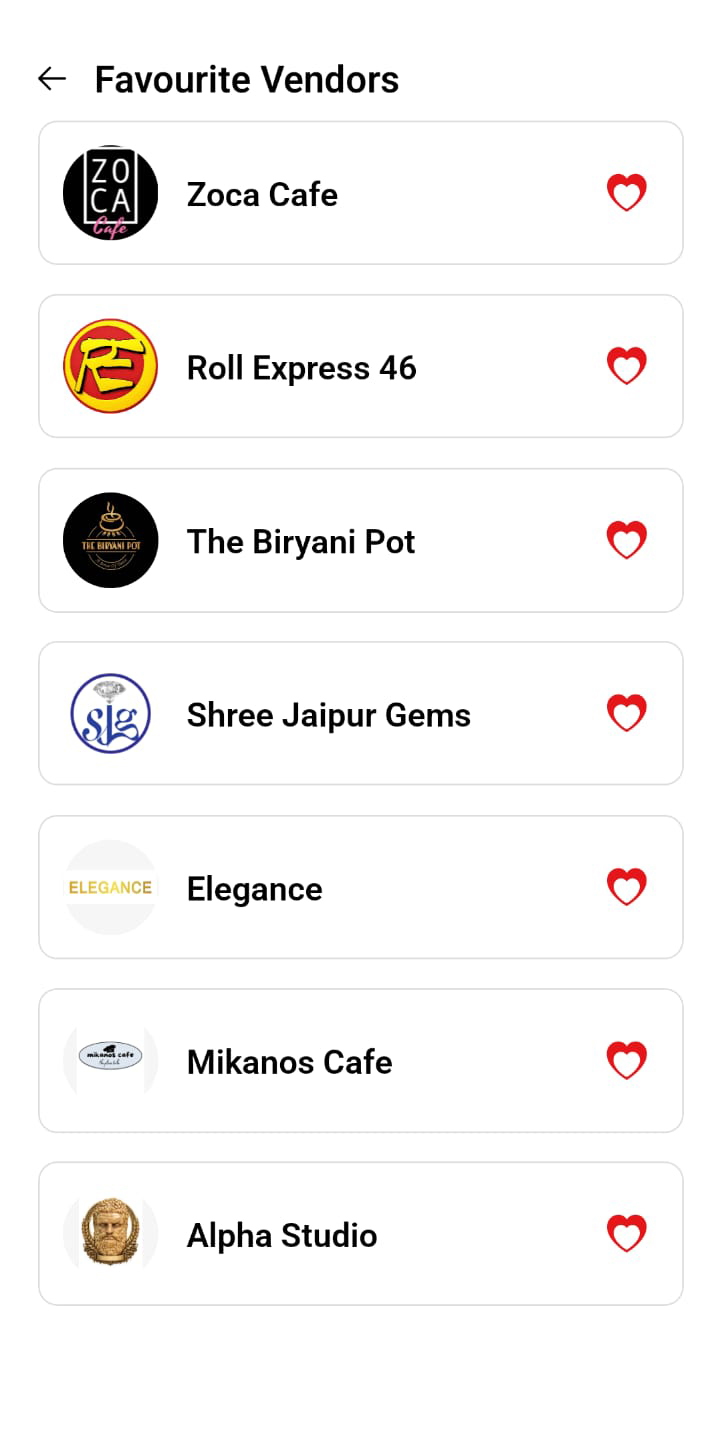
Your Saved Stores
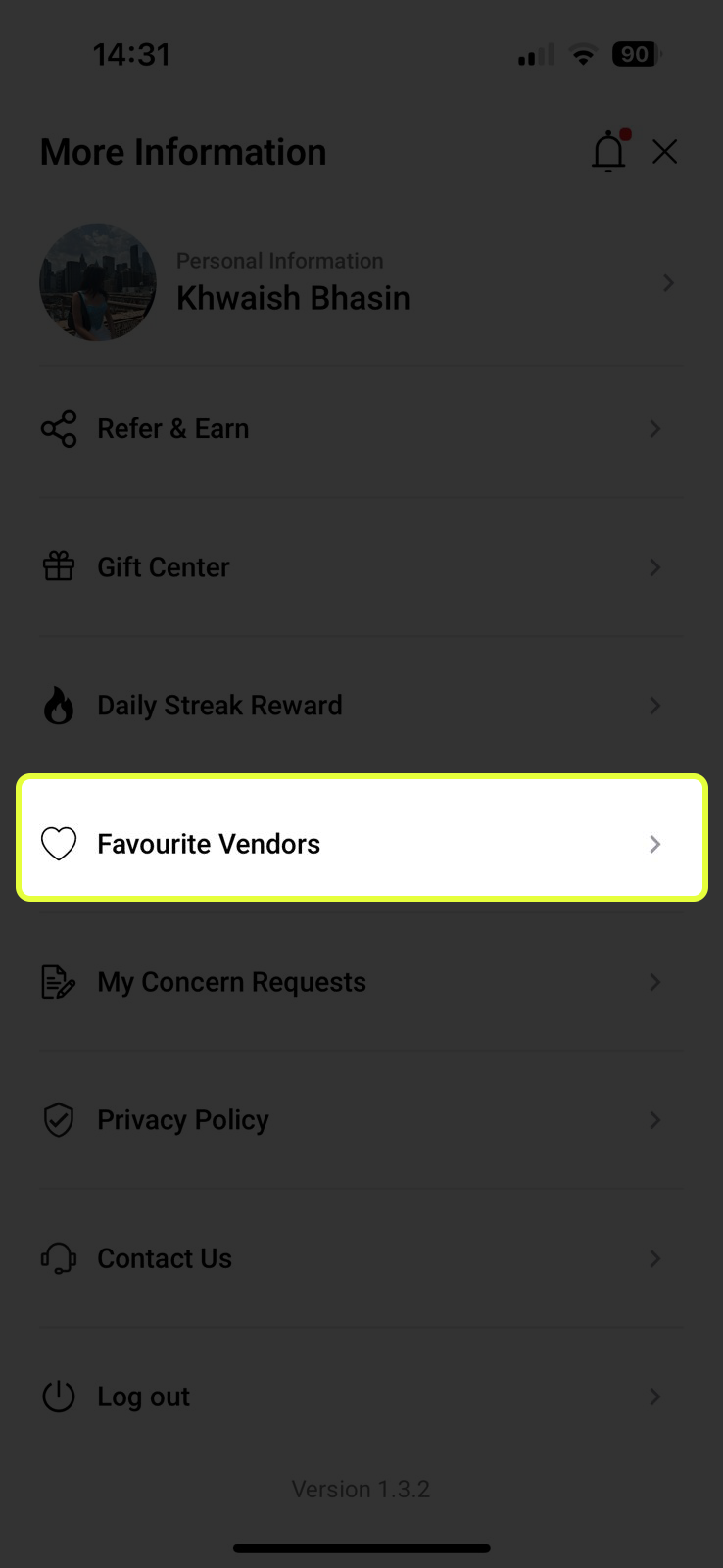
Any vendor you’ve favourited (by tapping the heart icon on their profile page) appears here. It’s your personal shortlist of go-to stores — no more scrolling through the whole feed to find them.
- ❤️ Add a vendor by tapping the heart icon on the top-right of any vendor’s profile page
- ⚡ Access from Profile → Favourite Vendors — one tap to see their latest offers
- 🗑️ Remove a vendor by tapping the heart icon again to unfavourite
Track Your Support Requests & More
Every support request you’ve ever submitted is stored here. You can track the status of each one without having to contact support again.
- 🔍 See all open, resolved, and pending concern requests in one list
- 📬 The team responds to each concern — check here for updates
- 🛡️ Privacy Policy — read how MyMints handles your data
- 🎧 Contact Us — reach out to the MyMints support team directly
- ⏻ Log Out — sign out of your account safely