Sign Up & Login
All you need is your mobile number and less than a minute. Follow these steps and you'll be earning Mints before you know it.
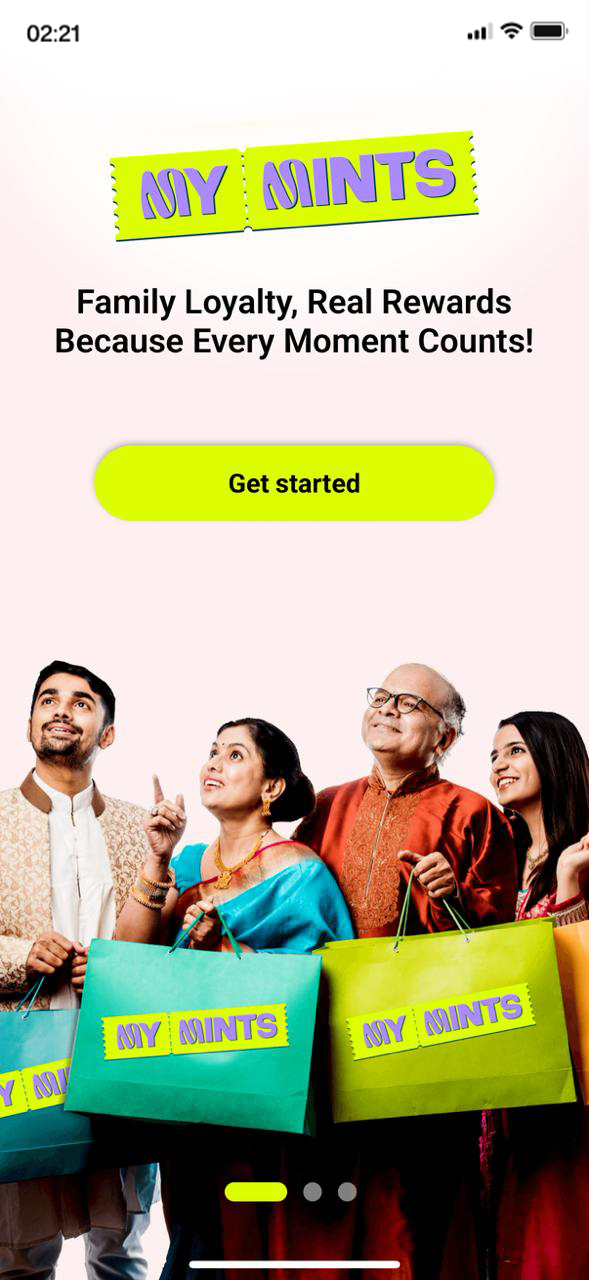
Download & Tap "Get Started"
Download MyMints free from the Google Play Store (Android) or App Store (iPhone). Open it and you will land on the welcome screen.
- You will see the tagline: "Family Loyalty, Real Rewards — Because Every Moment Counts!"
- Swipe through the carousel to get a feel for the app
- When you are ready, tap the bright Get Started button
Enter Your Mobile Number
Your mobile number is your login — no email address, no password, nothing else to remember.
- Tap the input field and type your 10-digit mobile number
- The Next button turns bright yellow-green once your number is entered
- Tap Next to continue
.jpg)
.jpg)
Verify with OTP
A 6-digit One-Time Password (OTP) will be sent to your phone via SMS. Enter it here to confirm your identity.
- Type all 6 digits into the circles shown on screen
- The Verify button turns bright yellow-green once all digits are filled
- Tap Verify to proceed
- No code yet? Tap Resend New Code to get a fresh OTP
.jpg)
.jpg)
Set Up Your Profile
Fill in a few basic details so MyMints can personalise your experience. Takes less than a minute and completing your profile earns you bonus Mints!
| Field | What to Enter | Status |
|---|---|---|
| First Name | Your real name — letters only, no numbers or symbols | Required |
| Last Name | Your surname | Required |
| Recommended for account recovery | Optional | |
| Gender | Select from the dropdown | Required |
| Date of Birth | Enter in DD / MM / YYYY format | Required |
| Referral Code | Enter a friend's code — you may both get a bonus | Optional |
.jpg)
.jpg)
Choose Your Interests
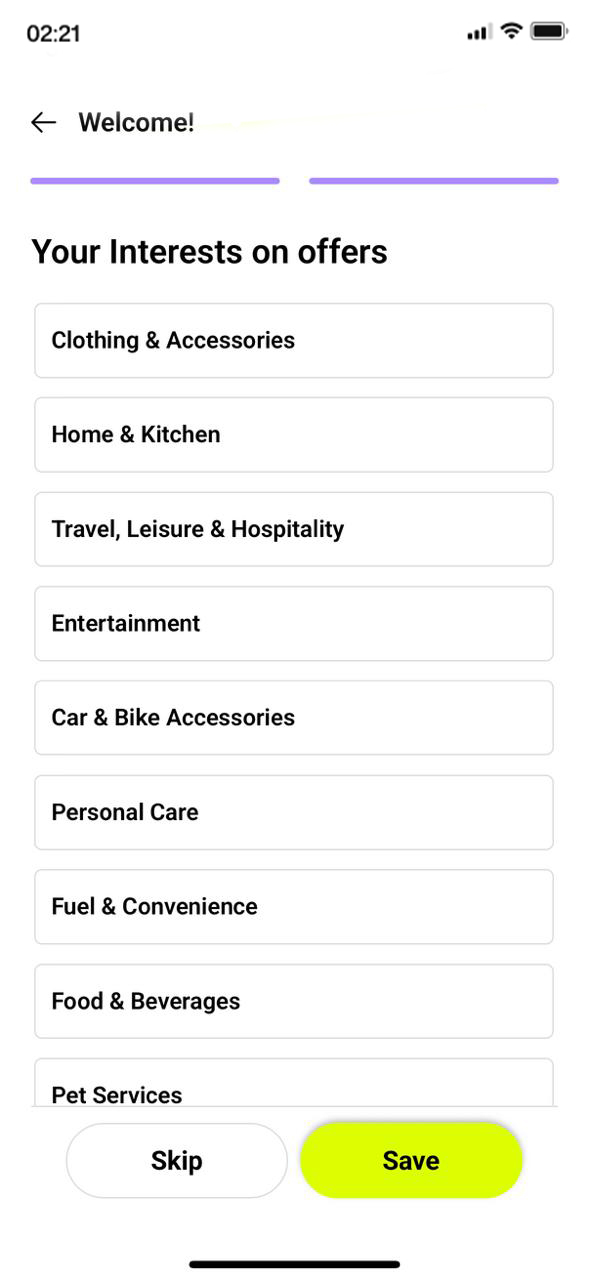
MyMints personalises your offers based on what you select here. Pick the categories you shop in most and the app will prioritise those deals for you.
- Tap any category that matches your lifestyle — pick as many as you like
- Tap Save to confirm your choices
- Not sure yet? Tap Skip and update this from your profile settings anytime
Select Your City
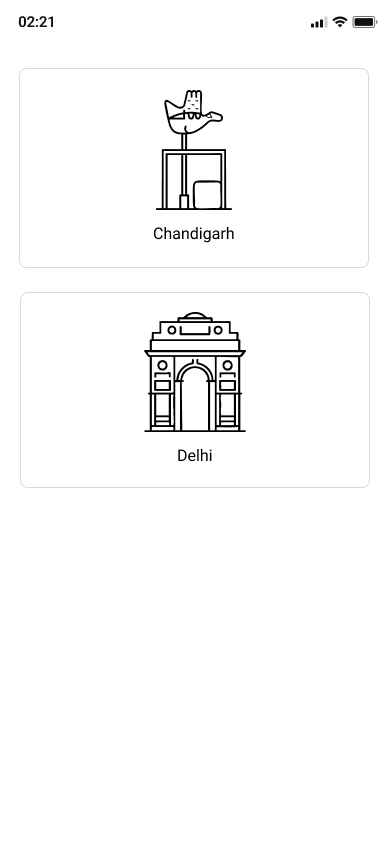
MyMints shows you deals from stores in your area. To make sure you are seeing the right ones, the app asks you to pick your city.
- Cities currently on MyMints are shown as illustrated tiles with city landmarks
- Tap your city to confirm your selection
- The app loads partner stores and local deals for your area
Claim Your Welcome Bonus 🎁
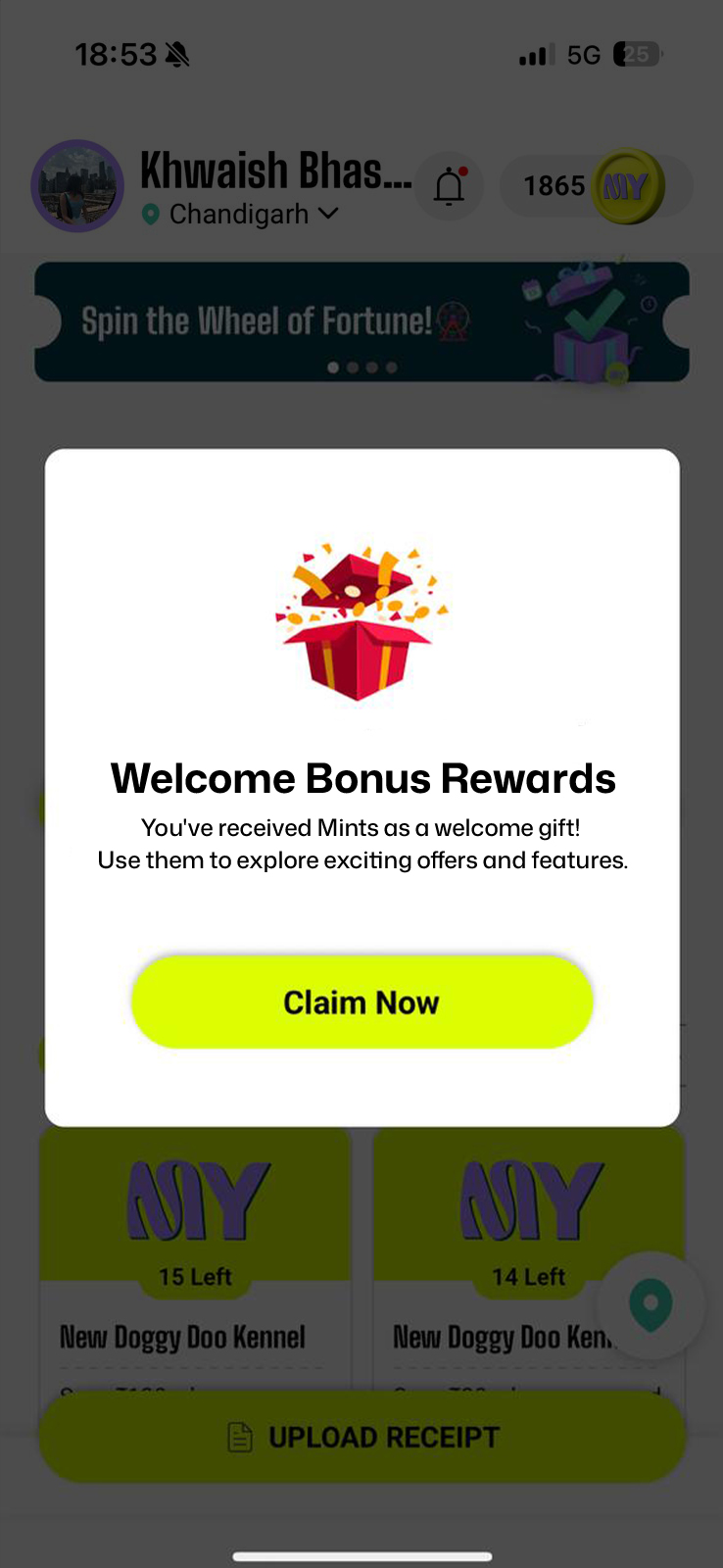
Right after selecting your city, a special pop-up appears. MyMints rewards you just for signing up — no purchase needed.
- A pop-up appears: "Welcome Bonus Reward" — you have earned bonus Mints just for joining!
- Tap Claim Now to add the Mints to your balance
- Your Mints count updates instantly in the top-right corner of the Home Screen
Your First Streak 🔥
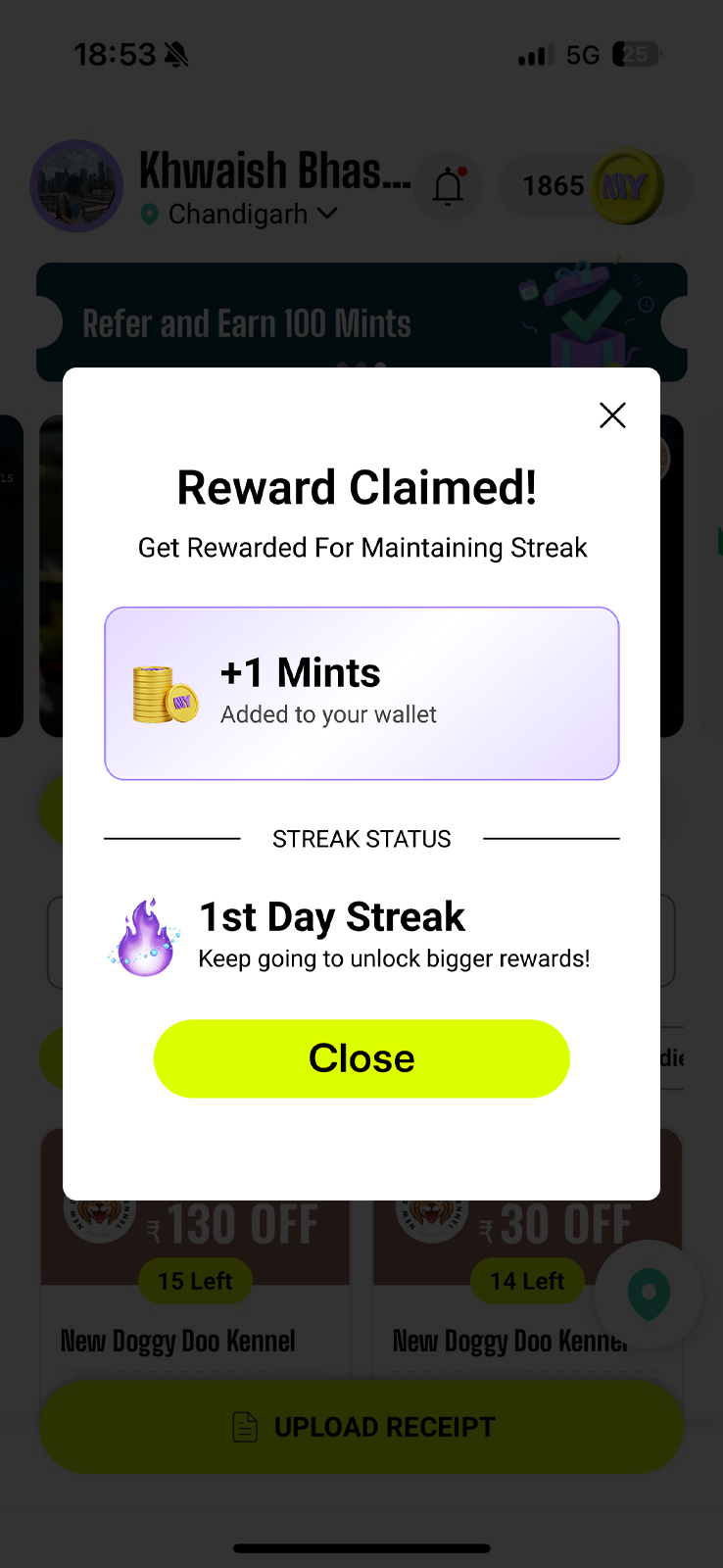
The moment you open MyMints for the first time, your Daily Streak begins — automatically. A Reward Details popup appears confirming your Day 1 Mints are already in your wallet.
- +1 Mints added to your wallet — your very first streak reward, credited the moment you open the app
- 1st Day Streak confirmed — the popup shows your current streak status and encourages you to keep going
- Tap Close to dismiss the popup and explore the Home Screen