Upload a Receipt
This is the core action in MyMints — upload a bill, earn Mints. It takes under a minute. Here's every step, exactly as it appears on your screen.
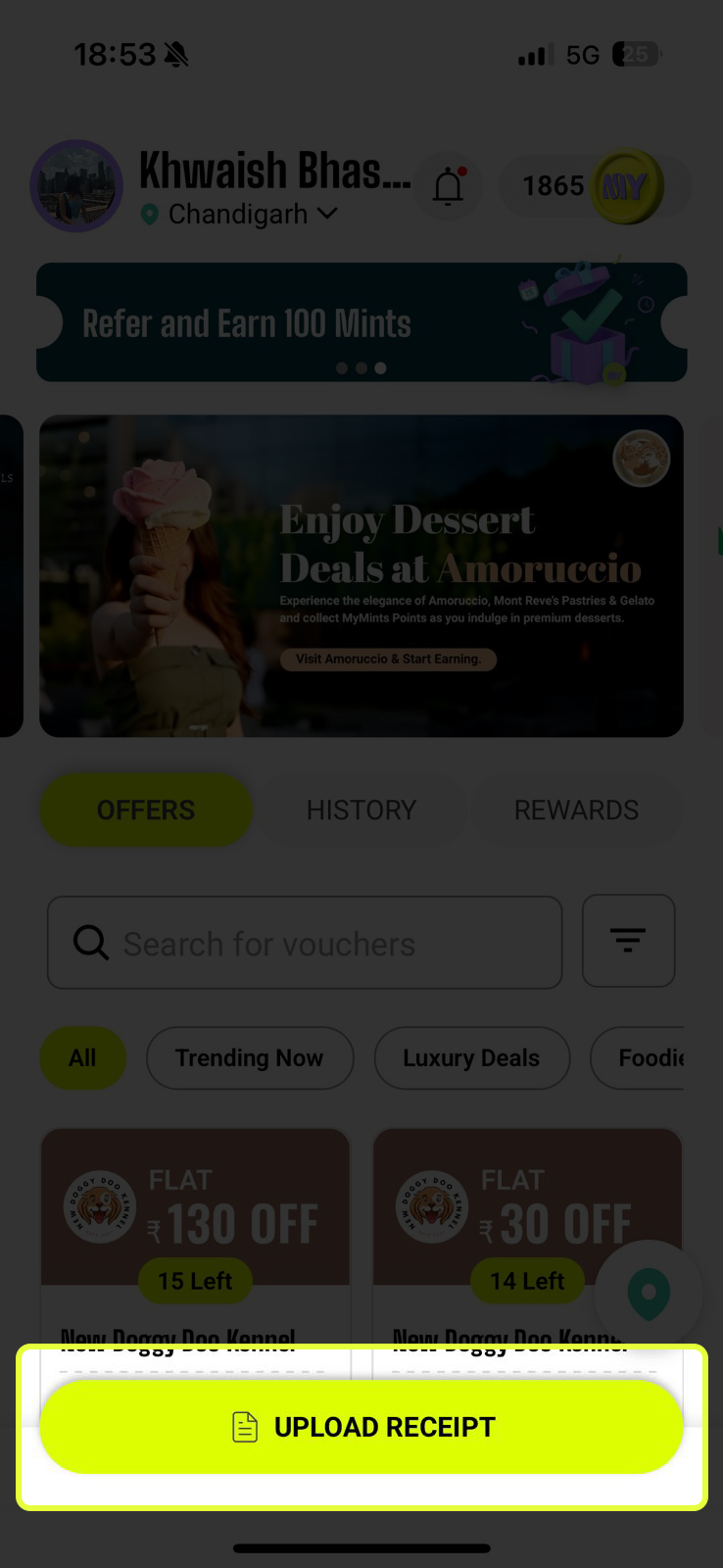
Tap "Upload Receipt"
From the Home Screen, tap the bright yellow-green UPLOAD RECEIPT button pinned at the bottom. This opens the Upload screen — your starting point for earning Mints.
- 🧾 A physical shopping bill from a partner store
- 📱 A Paytm or Google Pay payment screenshot — digital payments count too!
Choose How to Submit
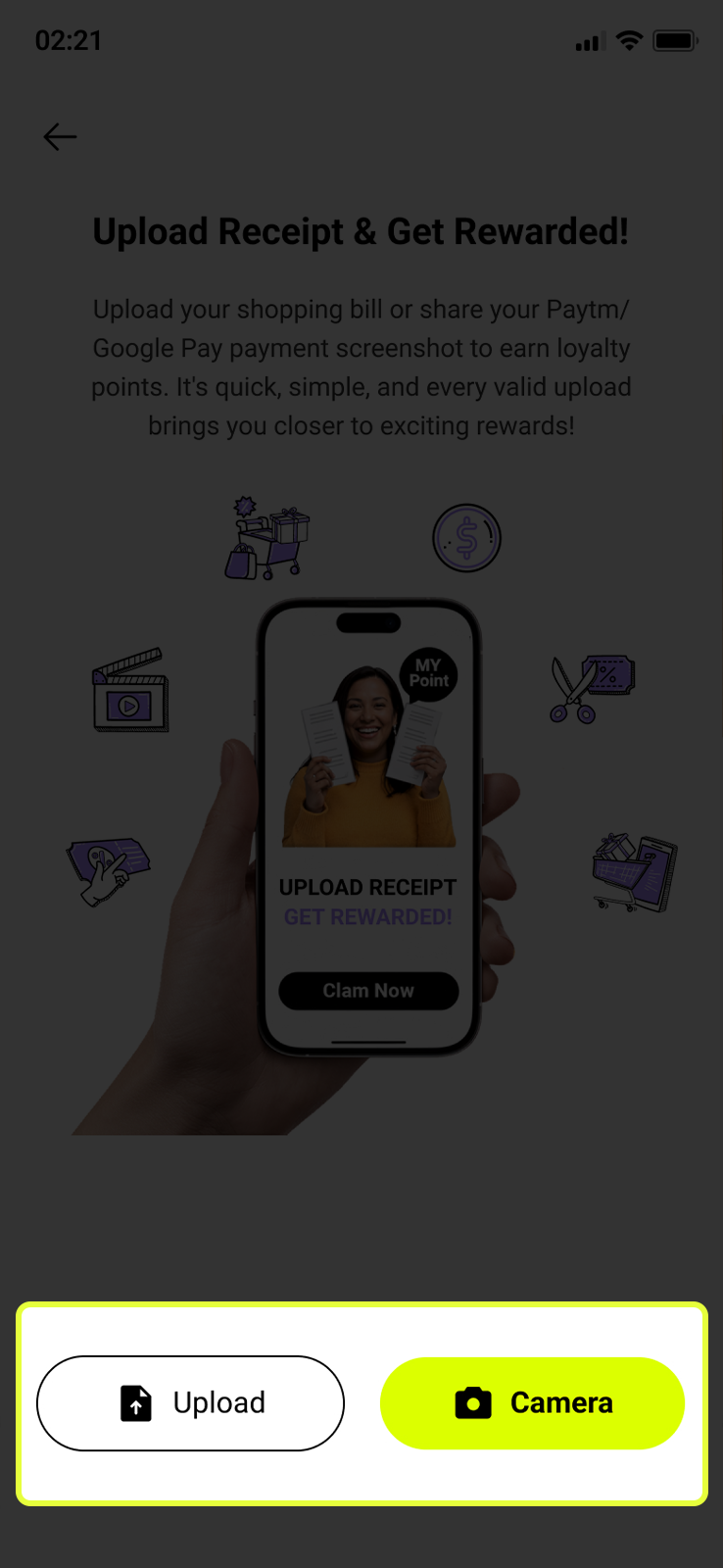
At the bottom of the screen you’ll see two options:
- 📷 Camera — Open the in-app camera and take a fresh photo of your bill right now. Best for physical receipts you have in hand
- 📁 Upload — Pick an existing image from your phone’s gallery. Use this for digital payment screenshots or photos you already took
Scan Your Bill
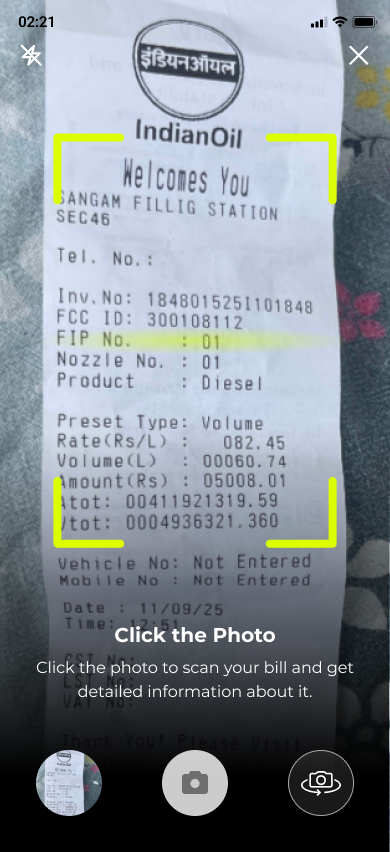
If you chose Camera, the in-app scanner opens. You’ll see a bright yellow-green frame — this is your guide for positioning the bill correctly.
- 📄 Place your bill flat on a surface — don’t hold it in the air
- Vendor name and amount should be clearly visible
- 🔦 Make sure the bill is well lit — use the flash icon (top left) if needed
- 🎯 Fit the entire bill inside the green frame corners — all four edges should be visible
- 📸 Tap the camera shutter button (centre bottom) to capture the photo
- 🔄 Use the rotate icon (right of shutter) to flip the camera if needed
Review Your Bill Photo
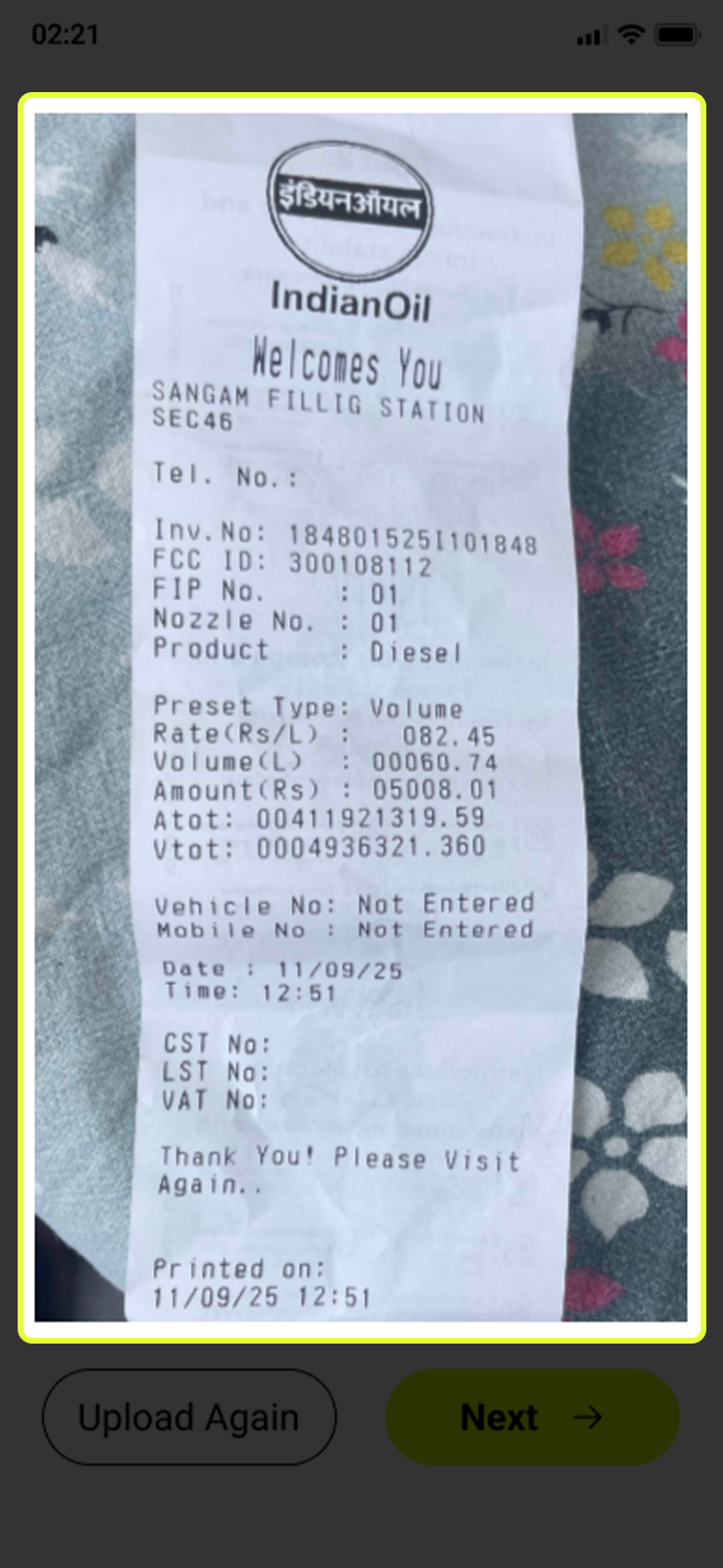
After capturing or uploading, the app shows you a preview of your bill. This is your chance to check it before submitting.
- ✅ Bill is clear, fully visible, and not cropped? Tap Next → to proceed
- 🔄 Photo is blurry, dark, or cut off? Tap Upload Again to retake or reselect
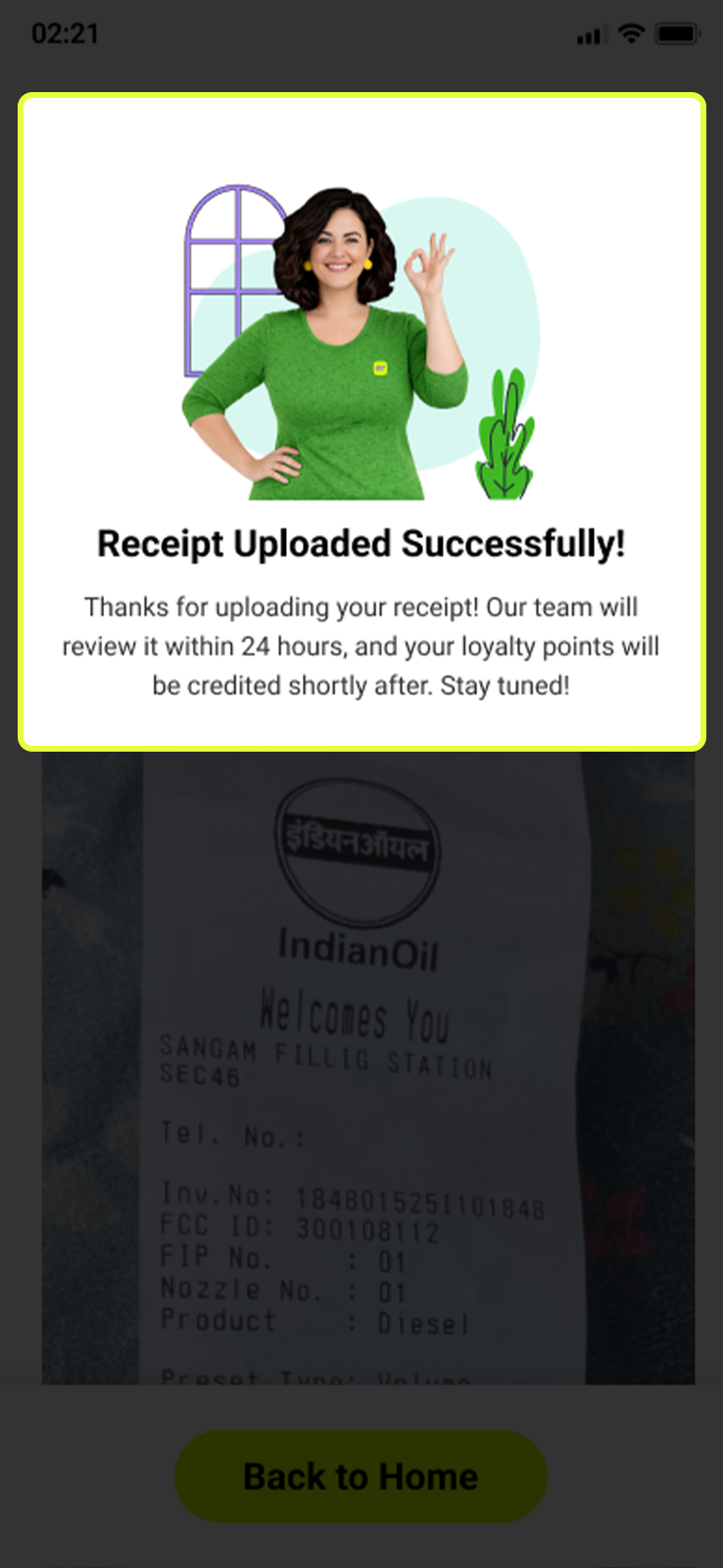
Receipt Uploaded Successfully!
Once you tap Next and submit, the app confirms your receipt has been received.
- 🎉 ‘Receipt Uploaded Successfully!’ confirms your bill is now in the system
- ⏱️ Our team will review it within 24 hours — you don’t need to do anything else
- 🪙 Once approved, your Mints will be credited automatically to your balance
- 🏠 Tap Back to Home to return to the Home Screen
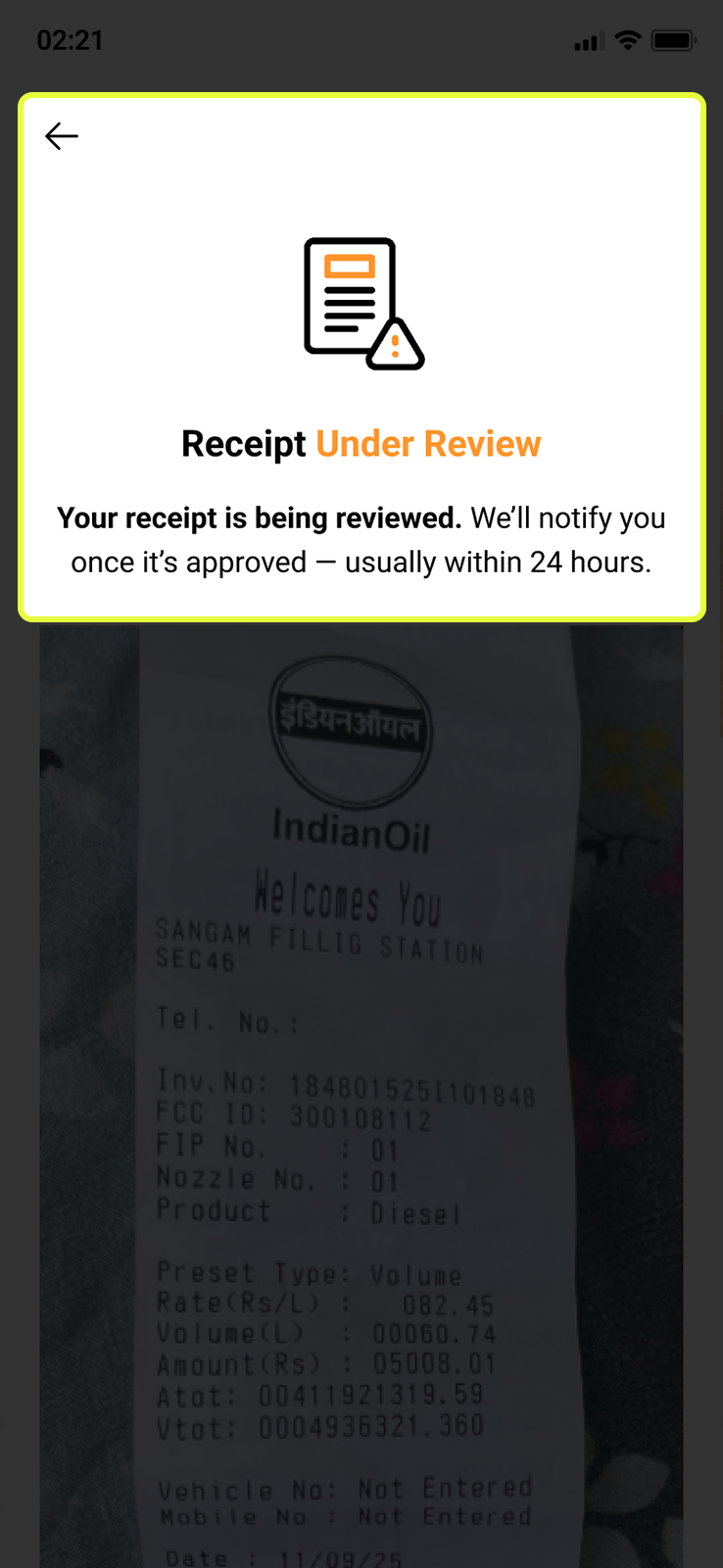
Receipt is Being Reviewed
After submission, your receipt enters the review queue. Check its status any time from the History tab on the Home Screen.
- ⏳ Status shows ‘Under Review’ — the team is verifying your bill
- 🔔 You’ll get a notification once the review is complete
- ⏱️ Most receipts are reviewed within 24 hours
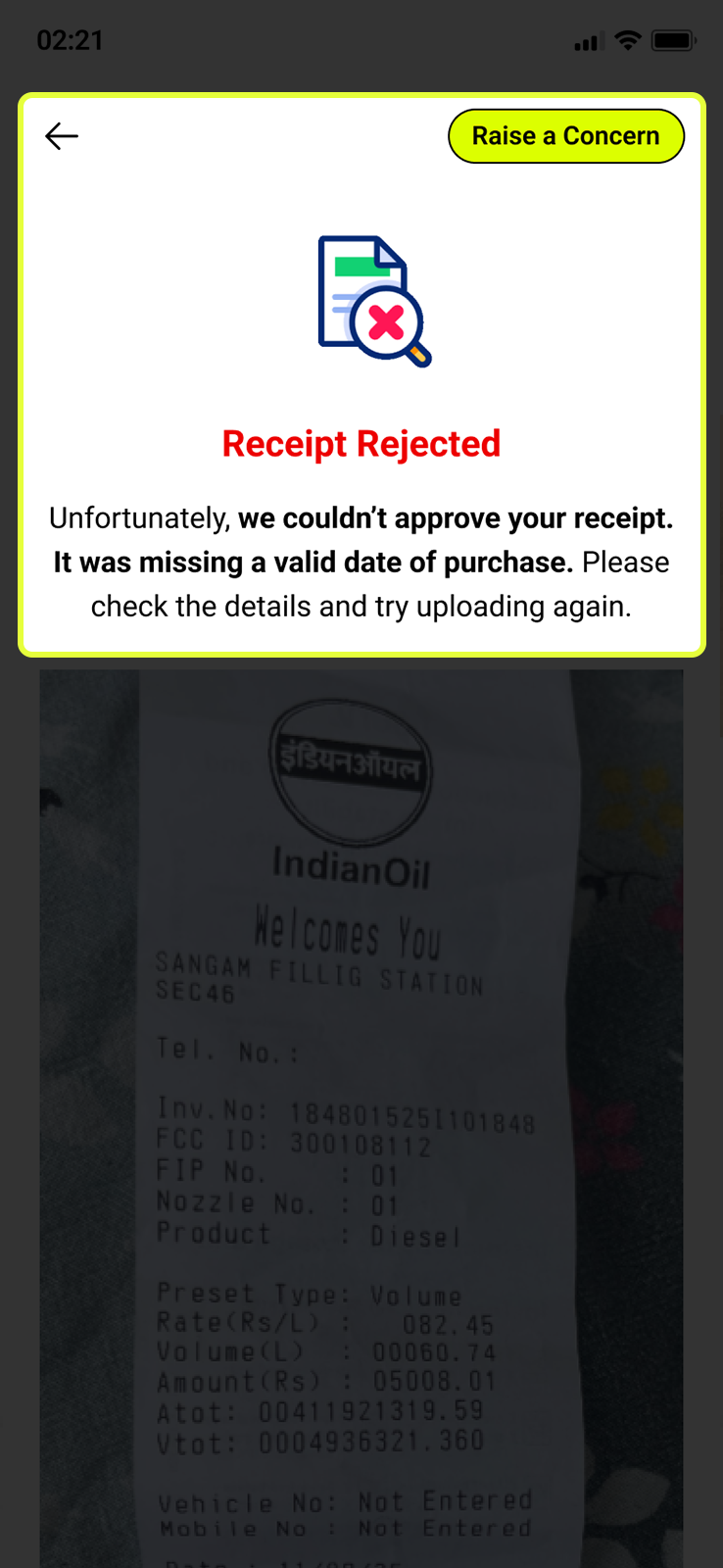
Receipt Rejected — Here’s What to Do
Sometimes a receipt can’t be approved. The rejection screen tells you exactly why — so you know how to fix it and try again.
- ✗ Missing or unreadable date of purchase
- ✗ Bill is blurry, dark, or partially cropped
- ✗ Store is not a MyMints partner vendor
- ✗ Receipt has already been uploaded before
- ✗ Total amount or store name not clearly visible
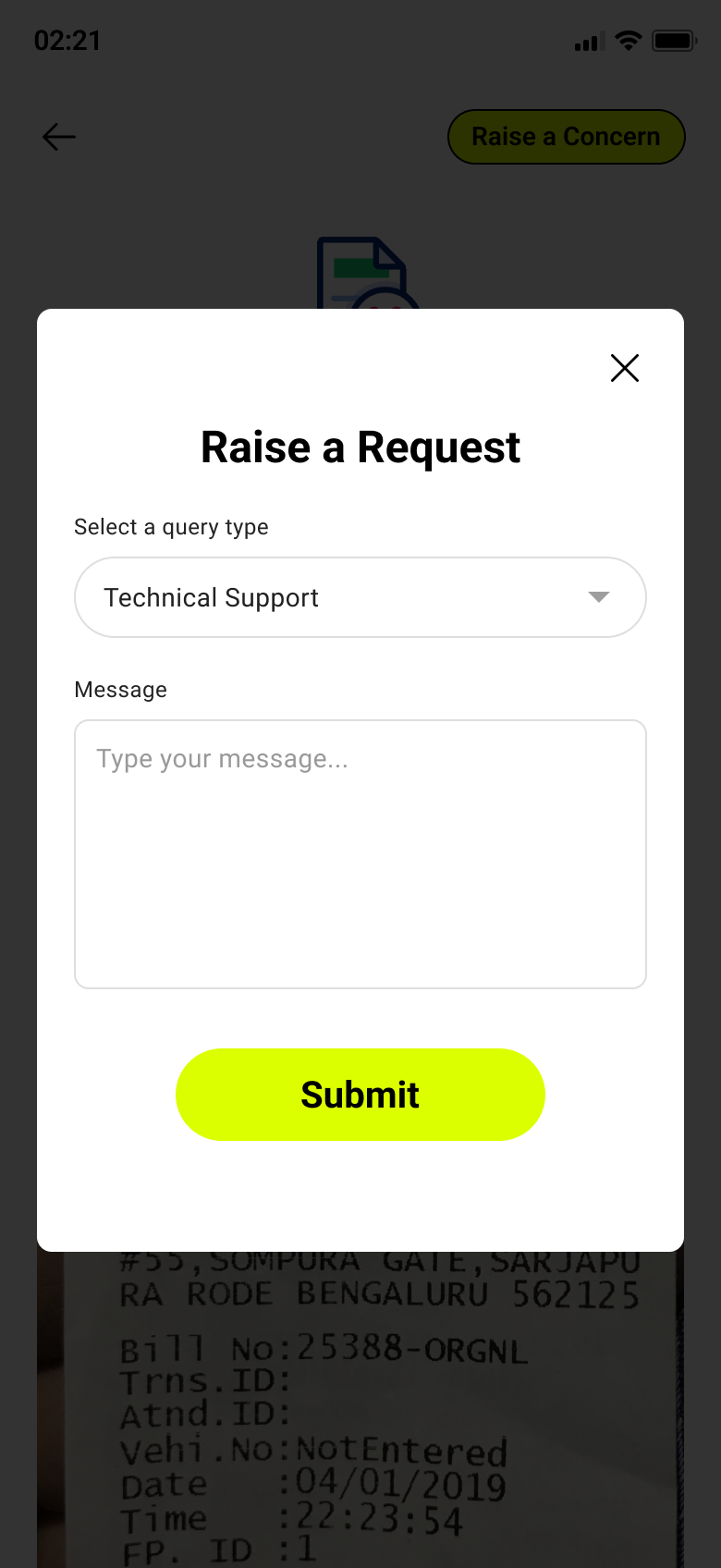
Still Think It’s Wrong? Raise a Concern
If you believe your receipt was rejected by mistake, you can raise a support request directly from the rejection screen.
- 👆 Tap the Raise a Concern button (top-right of the rejection screen)
- 📋 A form pops up — select a query type (e.g. Technical Support) and type your message
- 📤 Tap Submit — the team will get back to you shortly
- ✅ A green confirmation banner confirms ‘Your request has been submitted successfully’
.png)